



About the West Gate Tunnel
- The West Gate Tunnel is a new toll road in Melbourne.
- To drive on the West Gate Tunnel, it's important to have a tolling account (like Linkt) or a pass so that you don't receive a toll invoice with extra fees.
- Opening a Linkt account means you can travel across Melbourne and other places to see family and friends, without surprise toll invoices or extra fees.
- It will save you money and time and gives you peace of mind that you're covered for toll travel.

What is a toll road?
- A toll road is a road you pay to use, each time you use it.
- A toll road can give you a more direct way to travel and visit family and friends.
Why should I open a Linkt account?
- It is cheaper to travel if you have a Linkt account or a pass.
- No surprise admin fees and toll invoices, so you have peace of mind.
Let's help you open your account.
It's in English and we've got helpful step-by-step guidelines in your language to help you every step of the way.
- Opening an account takes about 5 minutes.
Before you start, make sure you have:
- Your car licence plate number
- A credit card, debit card or your bank account details
- An email address
Tip: you can add more than one car licence plate number to an account after you sign up for a new account.
3 steps to open your account
Step 1
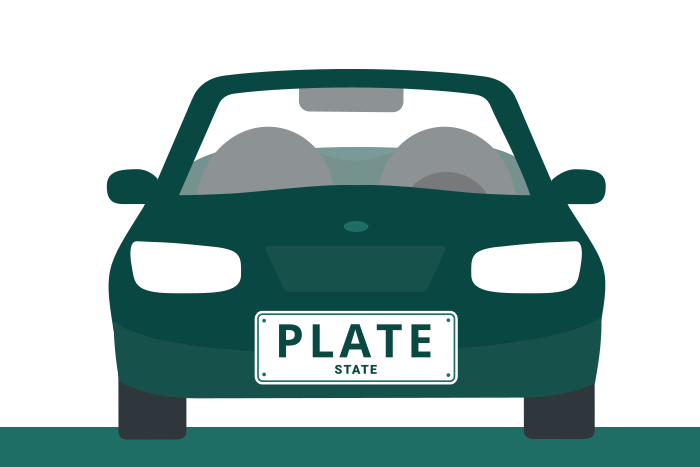
Enter your licence plate number and State
The registration connects your car to your account so tolls are charged correctly. Enter the State (VIC, NSW, QLD, TAS, NT) that your car is registered in.
Step 2
Enter some personal details
- Your name (as it appears on your licence)
- Address (current home address)
- Your email (so we can send account updates)
- Your phone number (for important alerts)
Step 3
Add your payment details
- Add your credit card or debit card
- You can also add your bank account details if you prefer
- Your payment details are encrypted
Choose a Linkt account option
Getting a little help is worth it
If English is hard for you, ask someone you trust to help you open your Linkt account. This could be a family member, friend, neighbour, or someone at your local community centre.
If you have already opened your account, thank you! You can help others in your family or community by sharing this guide.
Ready to open your account?
If you prefer using apps, go to the app store and look for the Linkt app. By downloading the app, you will be able to access Linkt Rewards.